BLE Developer Console

Advertise.
Connect. Debug.

A practical Bluetooth Low Energy console for creating peripherals, discovering devices, testing payloads, and understanding connections.

Available now on Android. No account required.

Your mobile BLE workspace

Built for focused Bluetooth Low Energy work.

BLE Developer Console is designed for developers, hardware engineers, QA teams, students, and makers who need a clear way to work with BLE.

Use Peripheral mode to advertise a configurable service. Use Central mode to scan, connect, inspect characteristics, and receive values.

Two roles. One console.

Work from either side of the connection.

01

Peripheral mode

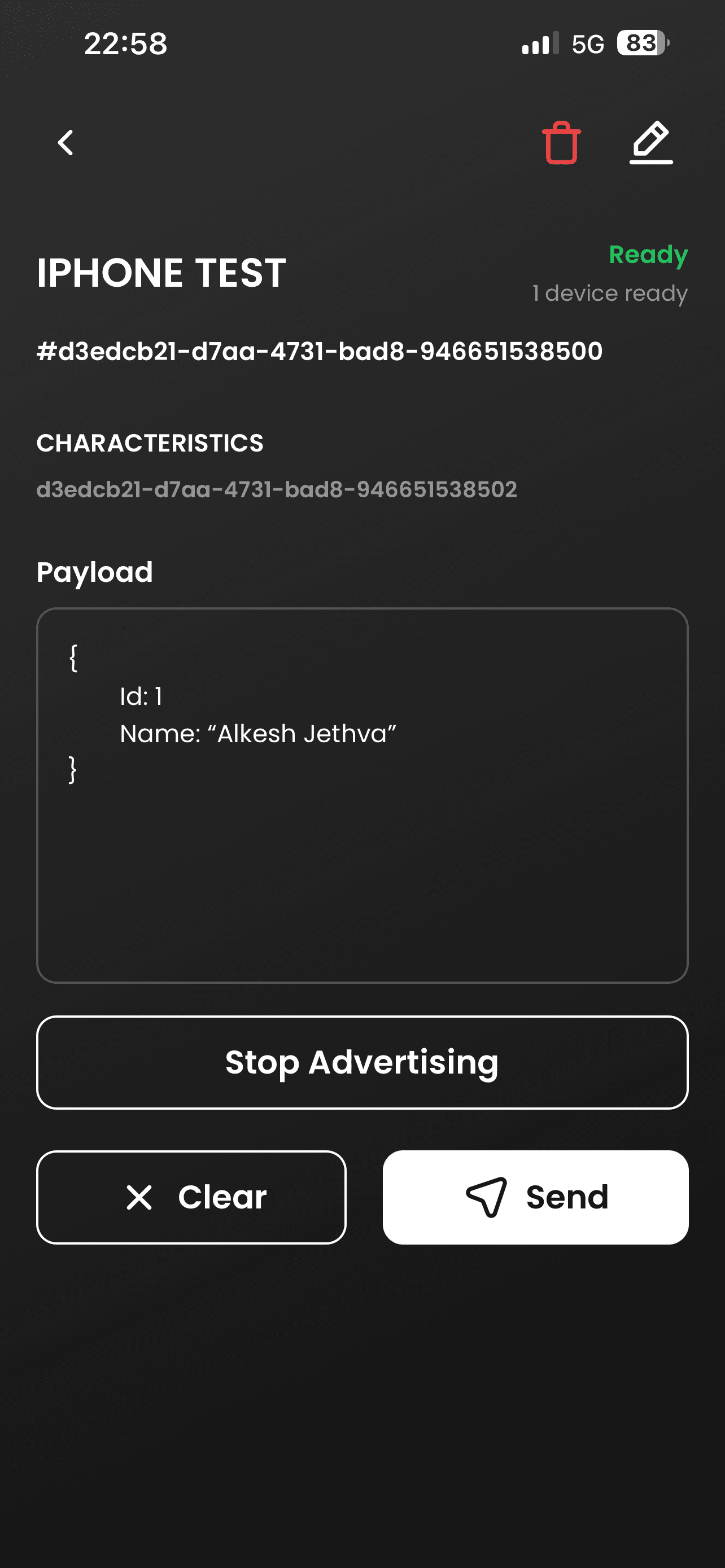
Create a configurable BLE peripheral, advertise a custom service, and send payloads to subscribed central devices.

  • Custom 16, 32, and 128-bit UUIDs
  • Read, Write, Notify, and Indicate
  • Live connection and subscription status
  • Payload history and quick resend
02

Central mode

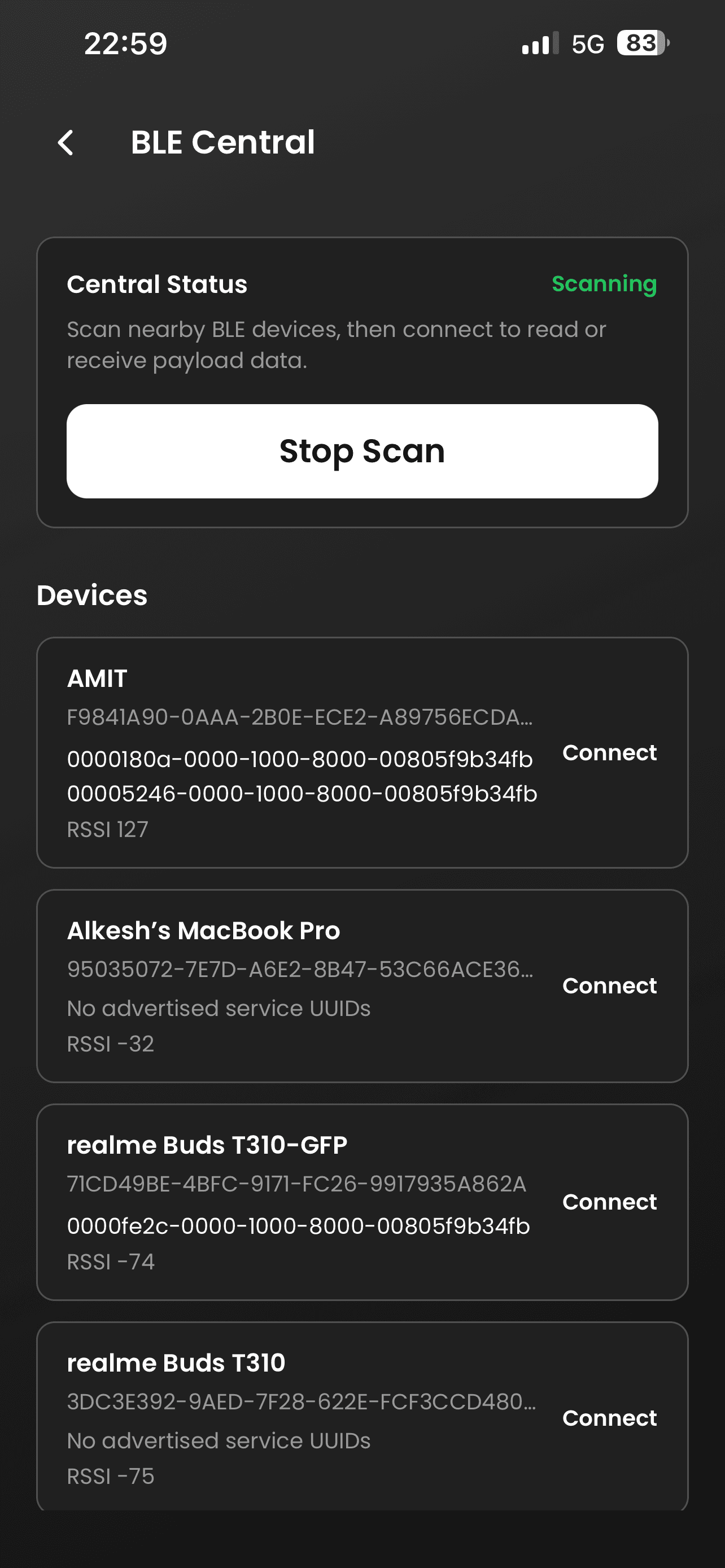
Discover nearby BLE devices, inspect their services, connect to supported characteristics, and monitor incoming values.

  • Nearby device discovery
  • RSSI and advertised service details
  • Automatic service discovery
  • Reconnect after unexpected drops
View complete feature overview

How it works

From configuration to a live exchange.

  1. 01

    Configure

    Enter your service and characteristic UUIDs, then select the properties you need.

  2. 02

    Advertise or scan

    Broadcast from Peripheral mode or discover nearby devices from Central mode.

  3. 03

    Connect and exchange

    Inspect the active channel, send or receive payloads, and review local activity.

Product screens

A clear view of every connection.

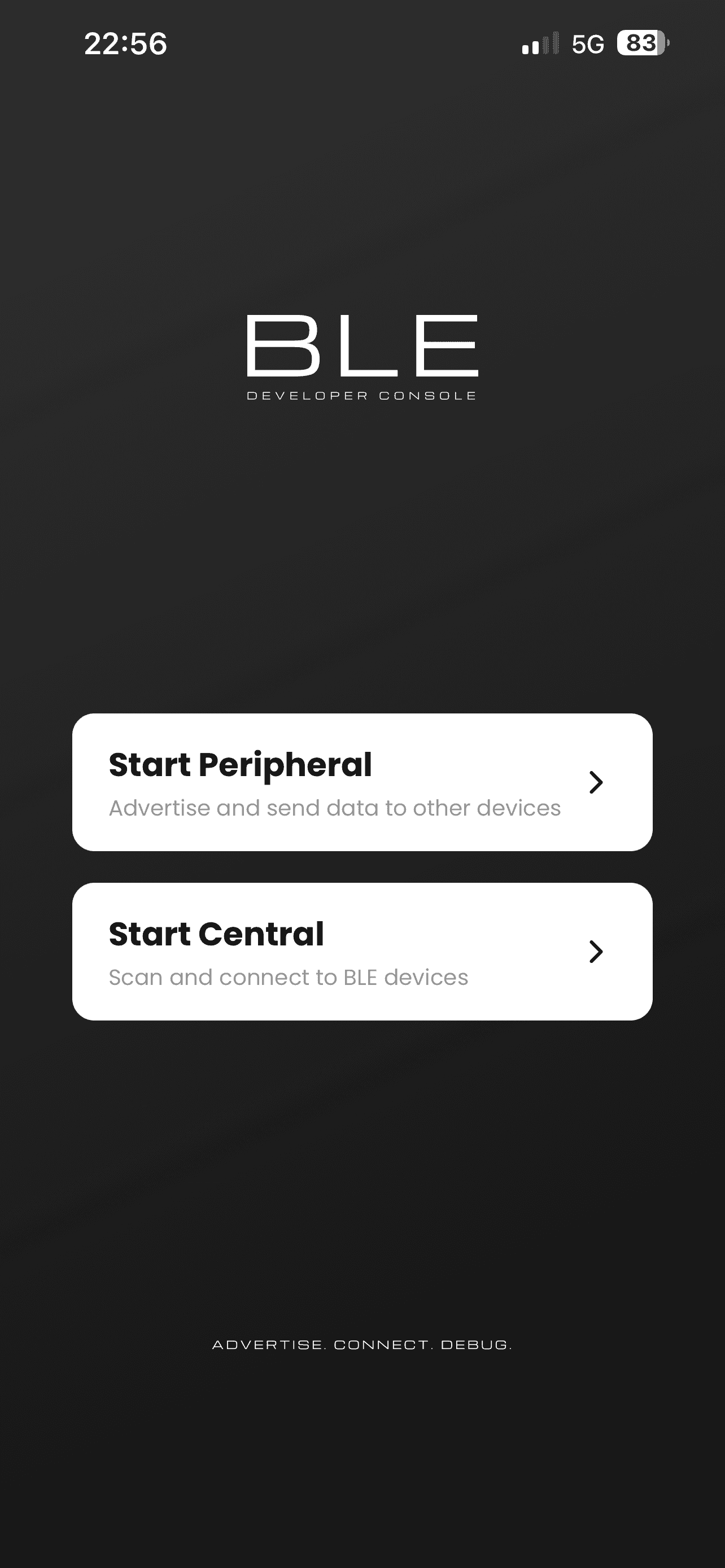
BLE Developer Console — Choose your BLE role

Choose your BLE role

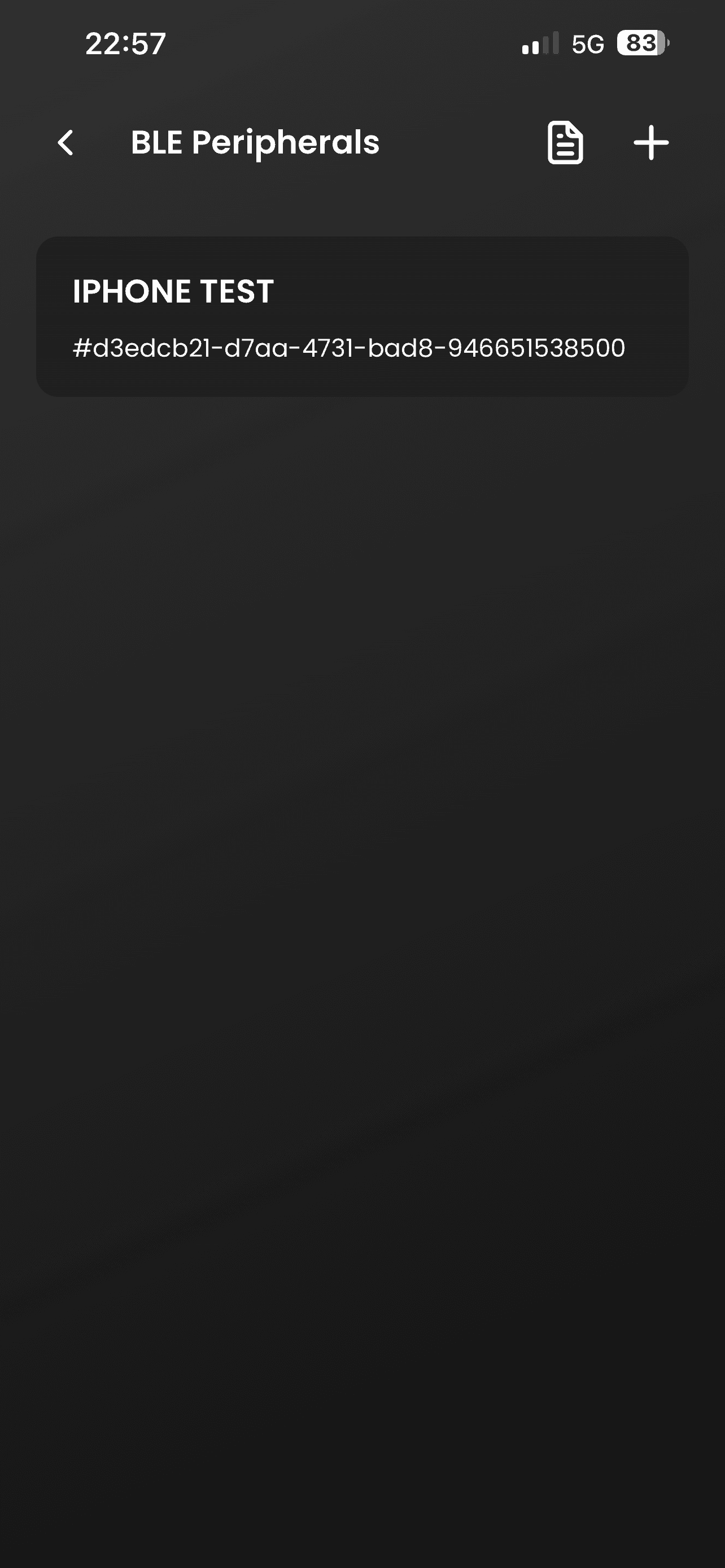
BLE Developer Console — Reusable profiles

Reusable profiles

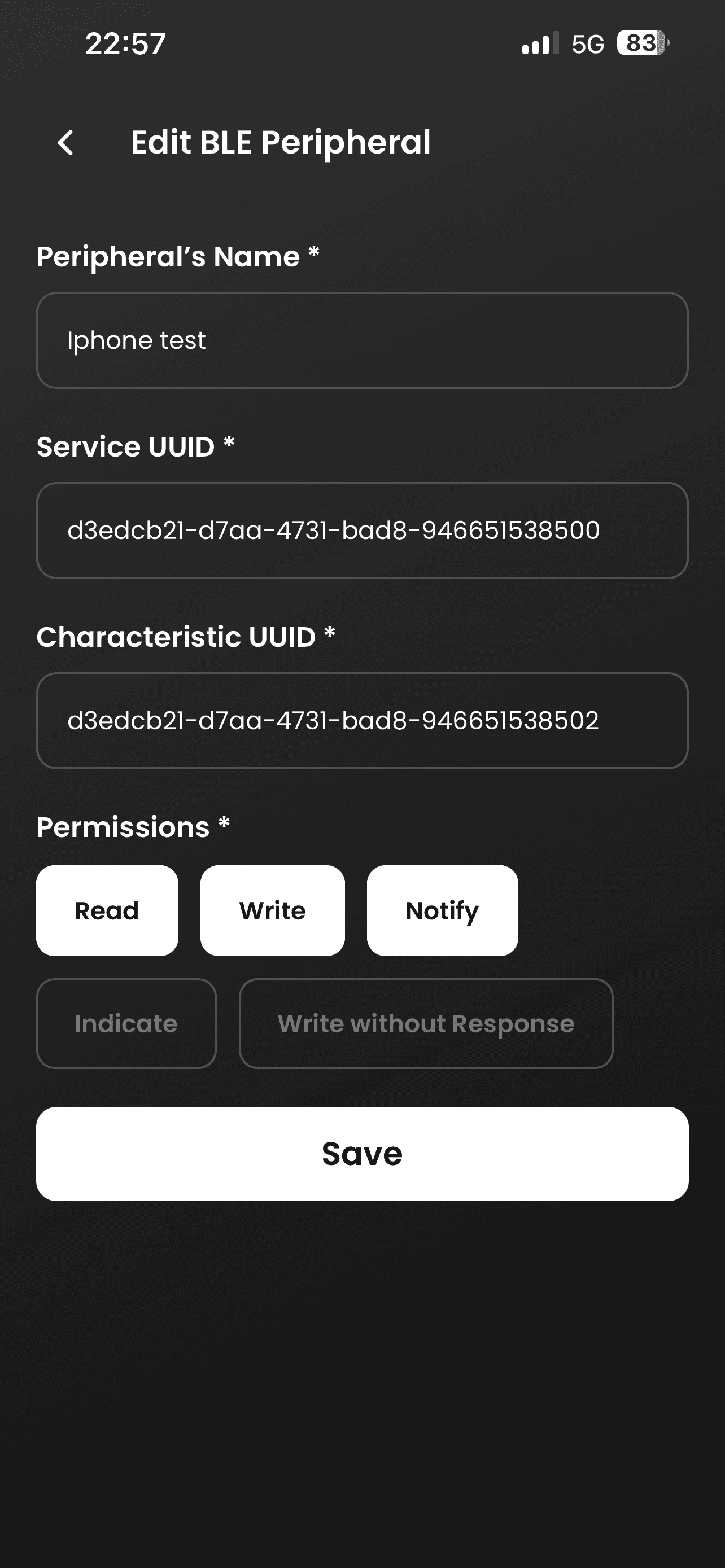
BLE Developer Console — Custom services

Custom services

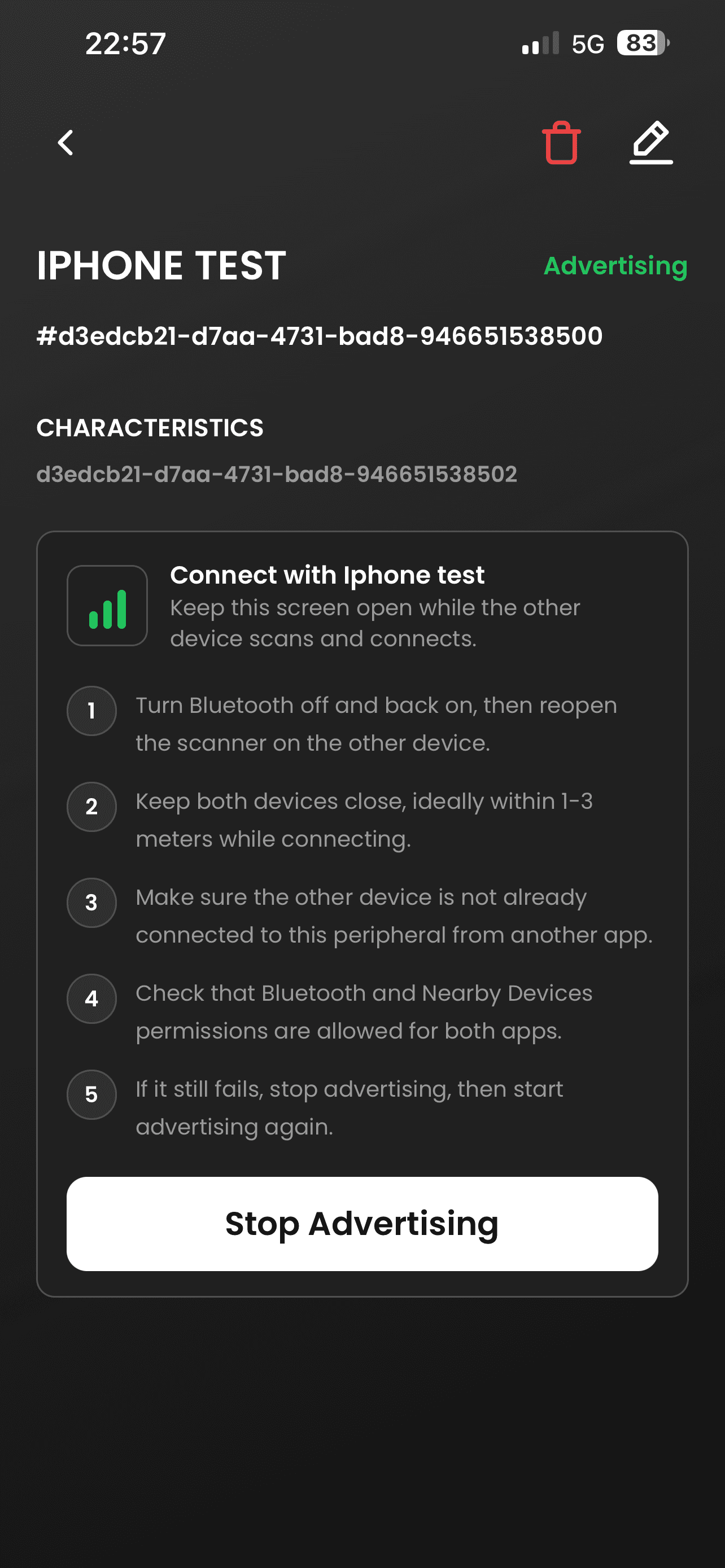
BLE Developer Console — Live advertising

Live advertising

BLE Developer Console — Payload transfer

Payload transfer

BLE Developer Console — Nearby devices

Nearby devices

Private by default

Your development data stays on your device.

No account, advertising, behavioral analytics, or cloud sync. Profiles, payload history, and recent activity remain stored locally.

Read the privacy policy

Available now on Android

Keep a BLE workspace in your pocket.

Device support depends on Bluetooth hardware and operating-system capabilities.